
1
Upload your PDF
Contracts, NDAs, statements of work, approvals. Drop the file in and it renders in the browser.

UK · Simple e-signatures for small businesses
Upload a PDF, place the fields and send a secure link. Your client signs in their browser on any device. No account, no app, no chasing.
The editor
Signature, date, initials, text and checkbox. Assign each one to a signer. Watch it come back signed.
How it works
Contracts, NDAs, statements of work, approvals. Drop the file in and it renders in the browser.
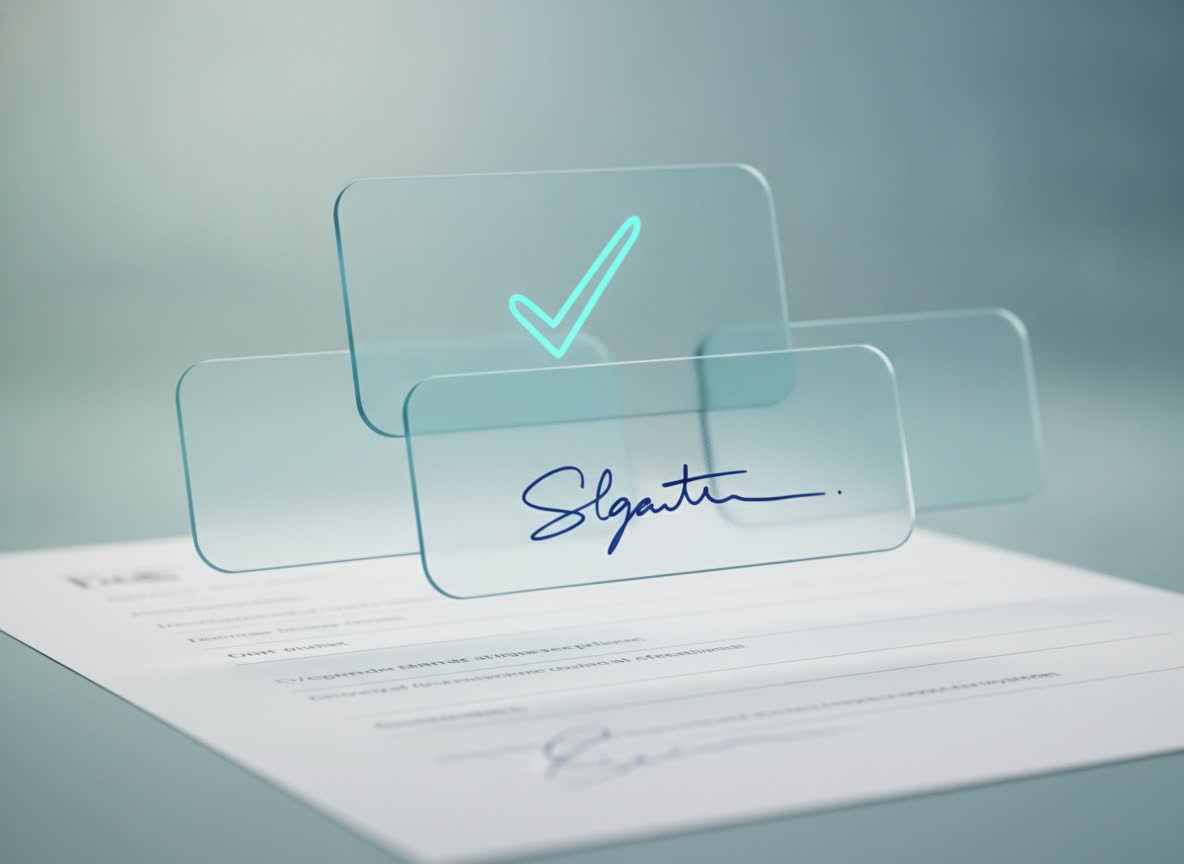
Add signatures, dates, initials, text and checkboxes. Assign each field to the right person.
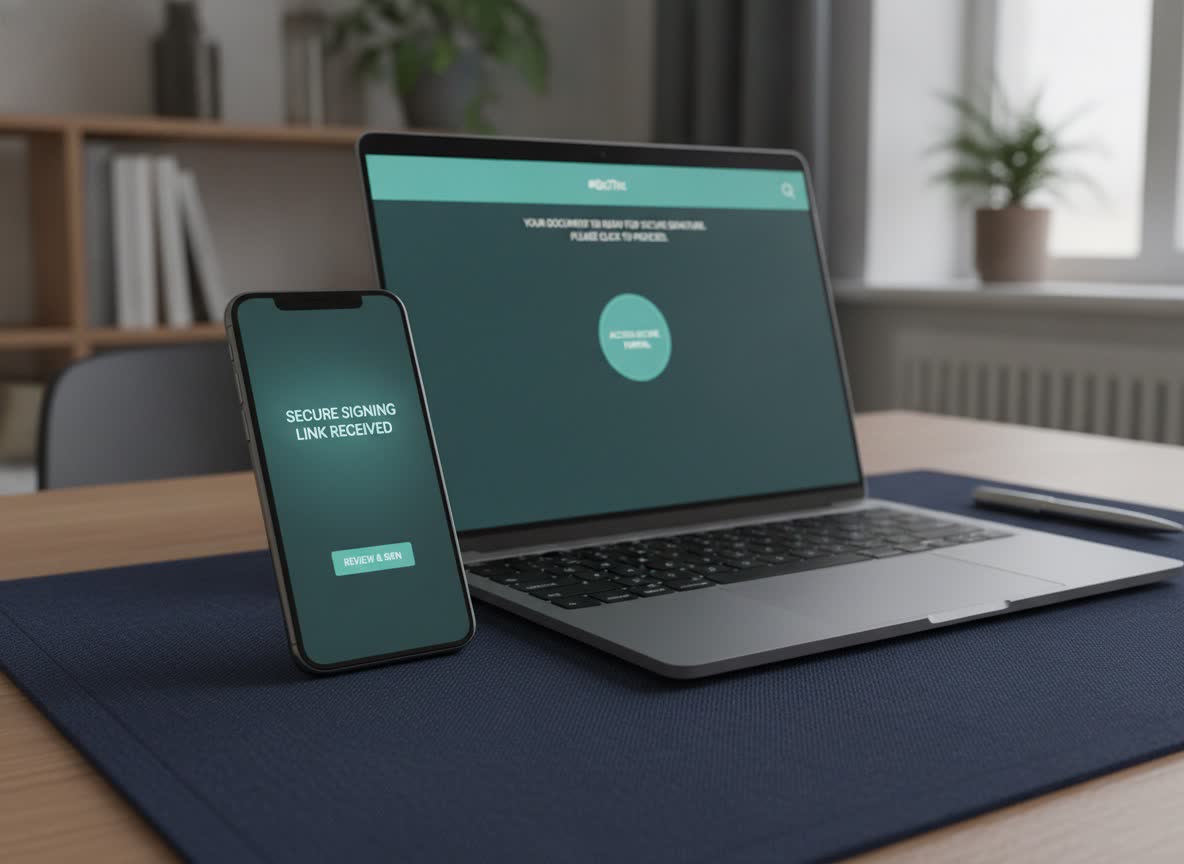
Your recipient signs from a secure link. You see when it is opened, completed or still waiting.

Everything you need
Drop signature, date, initials, text and checkbox fields onto your PDF. Assign each one to the right person.

Send to one person or several. Each gets their own secure link and signs in the browser, on any device.

Save field layouts for the documents you send every week. Next time, upload, pick the template, send.

On Pro and Business, pending signers get a polite nudge automatically. You see sent, opened, signed and expired without asking.

When the last signer finishes, Bleinks seals the PDF and issues a certificate listing who signed, when, and the checks they passed.

The signing page is designed for a thumb first and a mouse second. Signers finish in the browser, wherever they are.
Made for how you work

Get the contract signed before the job starts, from the van or the kitchen table.
Statements of work, NDAs and change requests, sent from a template in seconds.
Terms of business and candidate forms signed from a phone, with a record you can rely on.

Quotes accepted and completion sign-offs done on site, from the customer's own phone.

Engagement letters and approvals signed before the year-end rush, with a record HMRC-style scrutiny will not embarrass.

Proposals accepted and contracts countersigned from the train, without an enterprise suite you pay for by the seat.

Tenancy paperwork, inventories and guarantor forms signed remotely, with a clear audit trail for every tenant.

Client agreements, consent and intake forms signed before the first session, from the client's own phone.
Security
Encrypted storage, single-use signing links, one-time codes for signers, malware scanning on every upload and an append-only audit log. Hosted in Europe, operated from Cardiff.

Simple pricing
For the occasional contract. No card required.
For people who send documents every week.
For small teams that share documents and templates.
Prices in GBP. VAT may apply. Cancel any time from settings.
Questions
The full FAQ is on its own page, with the same copy search engines see. No invented testimonials, no badges we have not earned.
All questionsNo. Signers receive a secure link, confirm a one-time code sent to their email, review the document and sign in the browser. There is nothing to install and no password to create.
Three sent documents a month, one signer per document, one saved template, and the completed PDF plus audit certificate. No card is needed to start.
Electronic signatures can be used for many everyday UK business documents. Suitability depends on the document type, any required formalities and how you identify the signer. Bleinks provides simple electronic signatures with an audit trail, not qualified electronic signatures. Our plain-English guide explains the difference and is not legal advice.
PDF. Uploads are checked for a genuine PDF header and scanned for malware before they reach the editor. Export from Word, Pages or Google Docs to PDF first.