
1
Upload your PDF
Contracts, NDAs, statements of work, approvals. Drop the file in and it renders in the browser.

How it works
The workflow is deliberately small: upload, place, send and track. No training session required.
Contracts, NDAs, statements of work, approvals. Drop the file in and it renders in the browser.
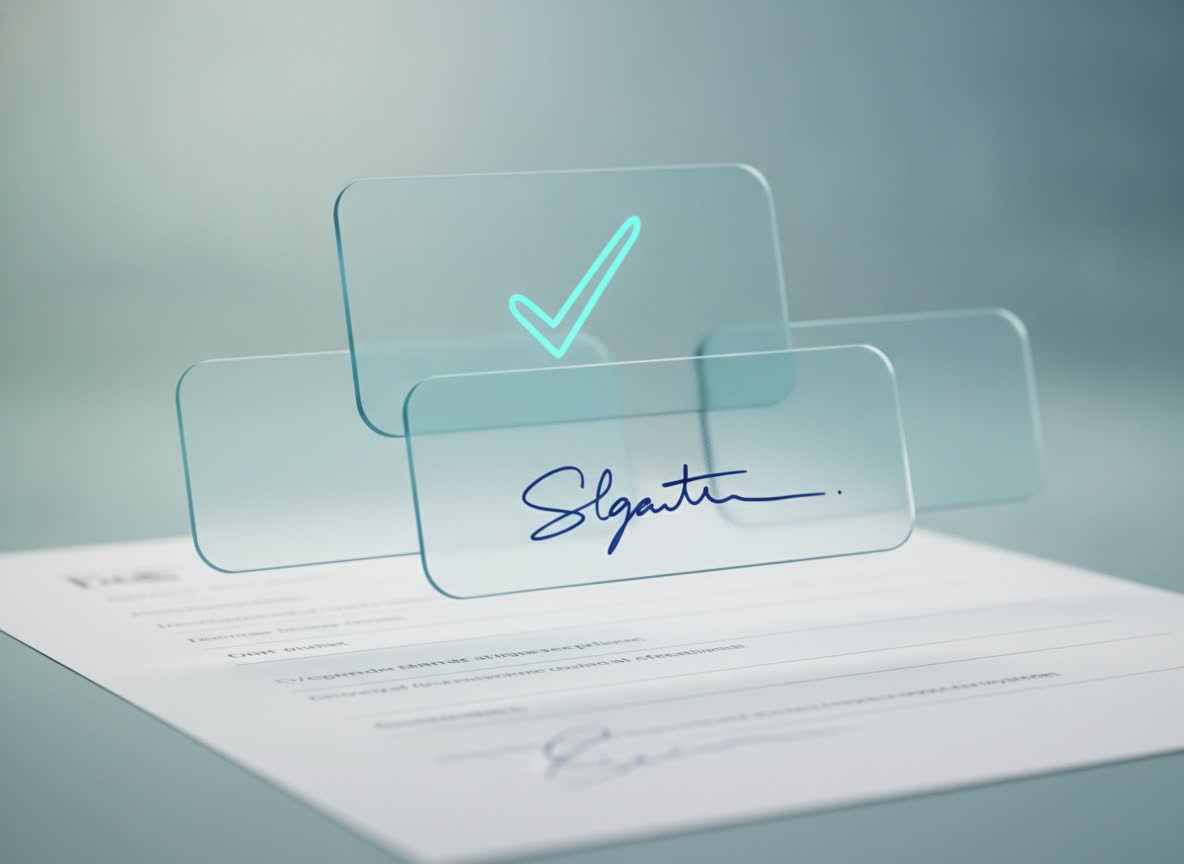
Add signatures, dates, initials, text and checkboxes. Assign each field to the right person.
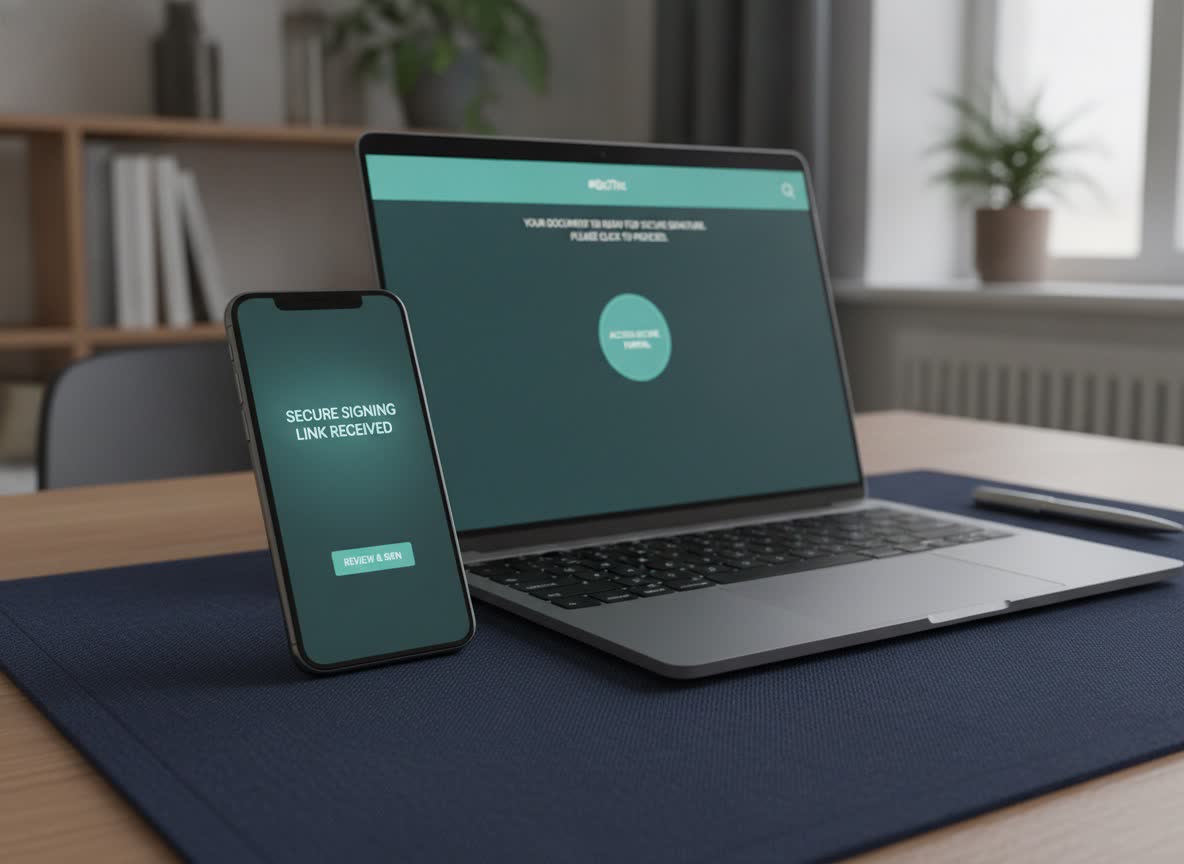
Your recipient signs from a secure link. You see when it is opened, completed or still waiting.
Sign in, upload, place fields, add recipient emails, send. Status updates live on your dashboard. When everyone has signed, download the sealed PDF and audit certificate.
Open the link on a phone or desktop. Confirm the one-time code from your email, review the document, draw or type a signature, finish. No Bleinks account, no app, no password.
Everyone who needs a copy can download the completed PDF. The audit certificate records the signing events for your records, and the original upload is kept separately from the sealed copy.
Rebuild your contract in a form builder. Ask your client to create an account. Sit through onboarding. Pick from forty field types when you need five. Pay for seats you do not use.